Request to join a league season
If you manage a team and want to play in a league's upcoming season, you don't have to wait for an invite. Find the league, pick the season, and request to join. The owner gets a notification and approves or denies.
Before you start
- You're a team manager — see Account types.
- Your team isn't already in the season you want to join. A team can only sit in one season per league at a time.
- The league you want to join has an open season — one not yet closed for registrations.
Steps
-
Open your team's Manage page and tap the green action button (the speed-dial) in the lower-right. The actions expand out.
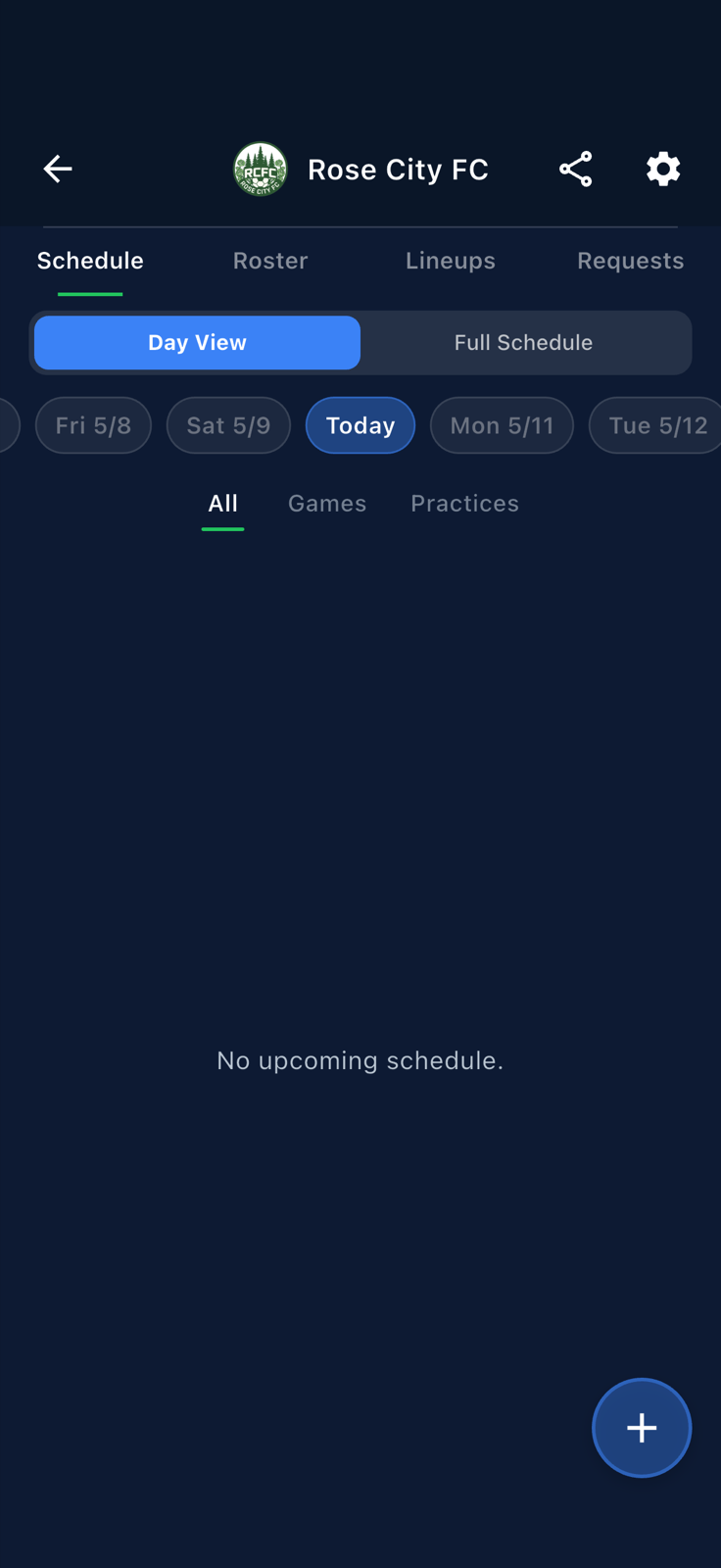
The team-manage speed-dial expanded; pick Join a League. -
Pick
Join a League. The Join League Season screen opens, listing leagues with open seasons. Use the search box to narrow down.
Browse leagues with open seasons. Search by name to filter. -
Find the league you want, then tap its
Joinaction next to the open season.
Each open season has its own Joinaction. -
If you manage more than one team, Fanager asks which team to join with. Pick the team and confirm. (If only one is eligible, this dialog is skipped automatically.)
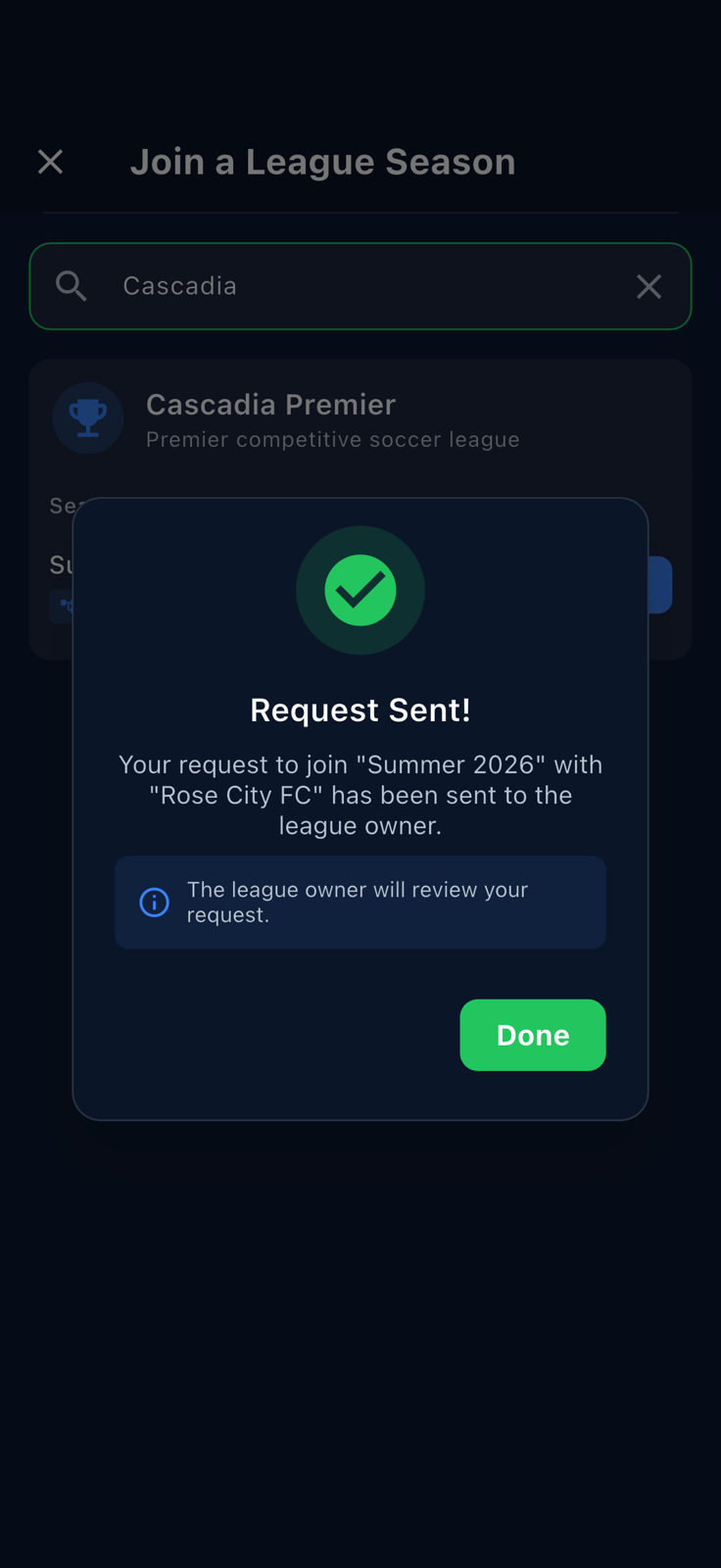
Confirm and submit. The league owner gets a notification. -
To check the status of your pending request, go to the league's detail page (Leagues tab → Featured / search). Each open season shows your team's status, e.g.
Rose City FC — Pending, with an hourglass.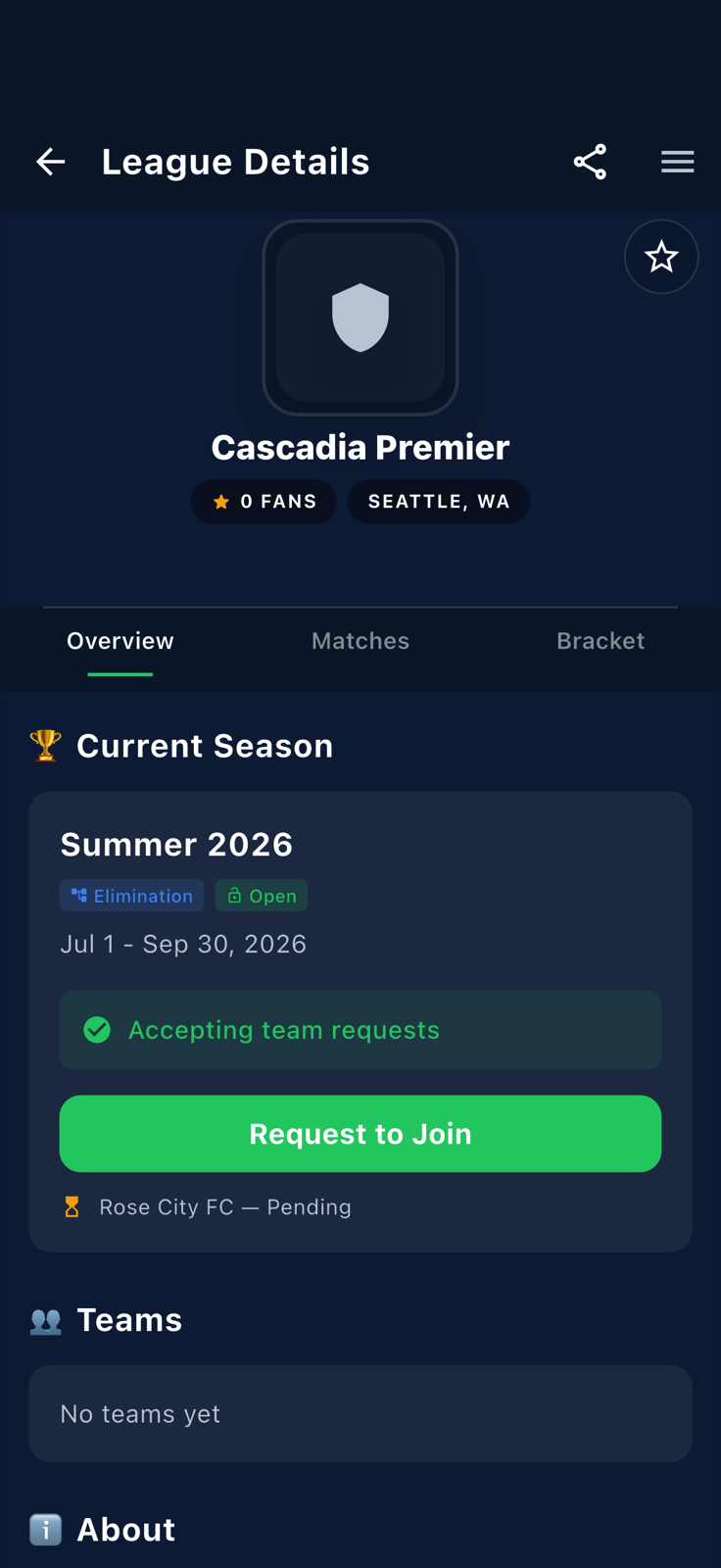
Your request lives on the league's detail page until the owner acts on it.