Create venues and fields
Venues are the physical places your league plays — a park, a complex, a school. Each venue holds one or more fields. This guide shows you how to add a venue and a field so they're available to assign to games.
Before you start
- You must own the league — see Account types.
- Have the venue's name and address ready. The address is optional but helps players find it.
- Decide what to name your fields.
Field 1/Field 2works for most parks; for a multi-sport complex tryNorth Pitch,South Pitch, etc.
Steps
-
From your league's Manage screen, open the venues area. Existing venues for this league appear in a list.
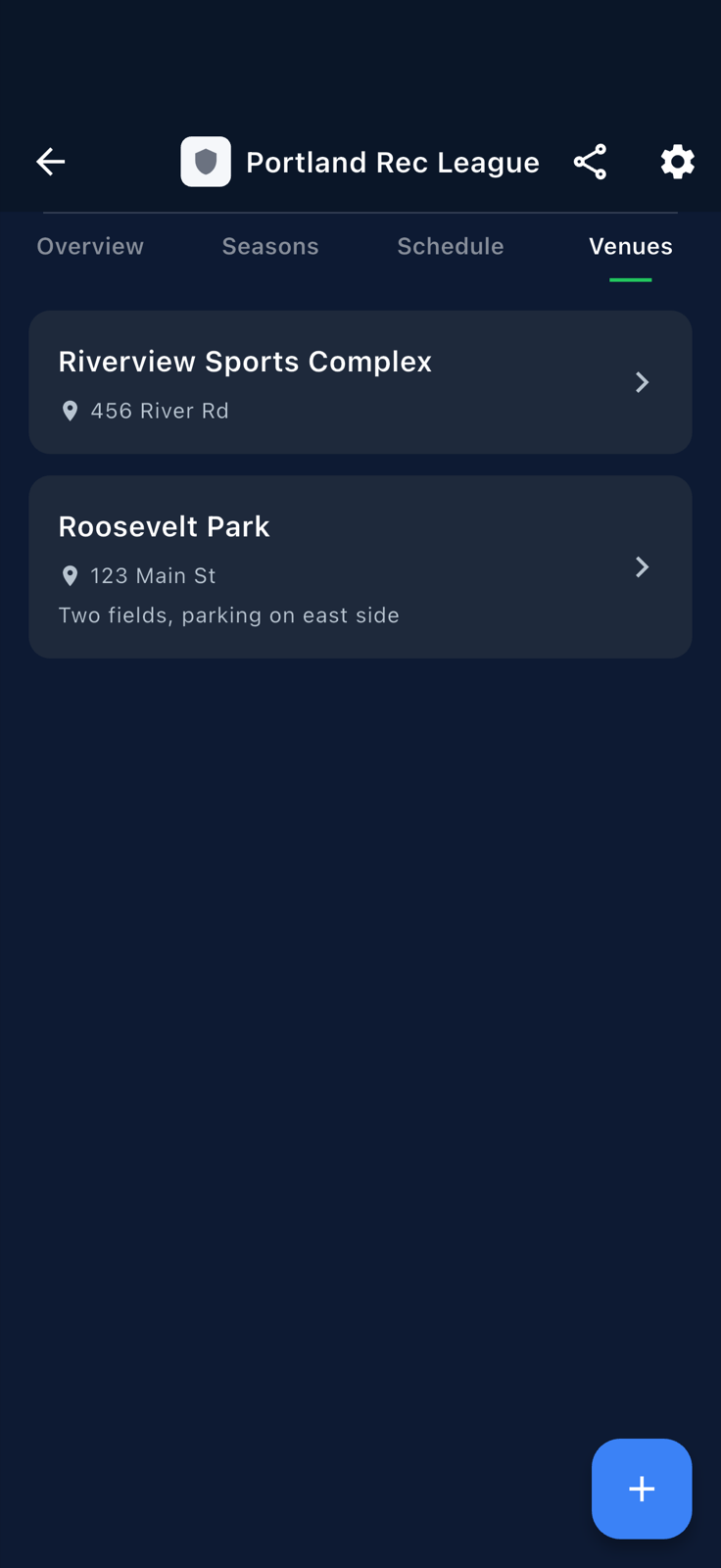
The venues area for your league. -
Tap the action button to add a new venue. The current list is visible so you can confirm you're not duplicating.
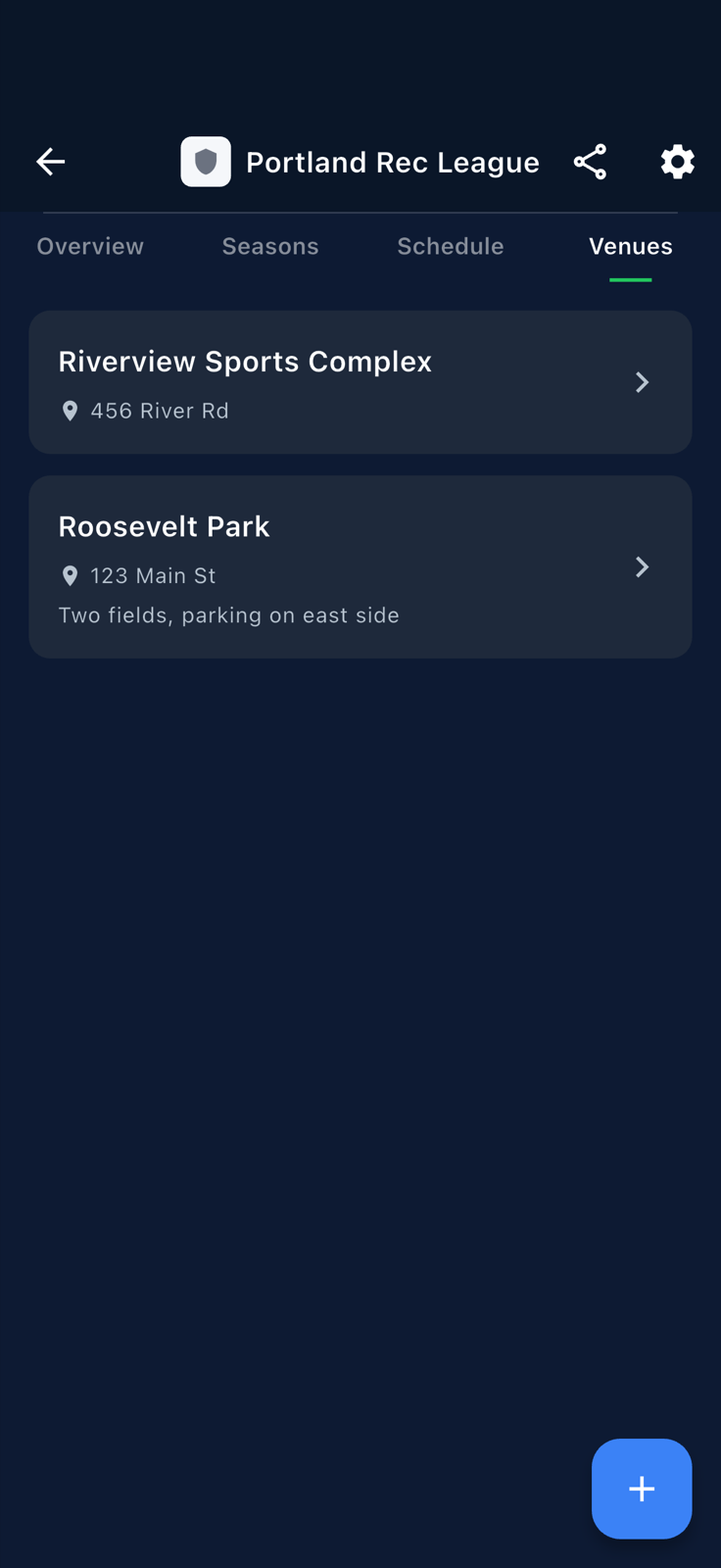
The venues list with the Add Venue affordance. -
Fill in the Create Venue form: name, address (optional). Every venue needs at least one field — add the first one here.
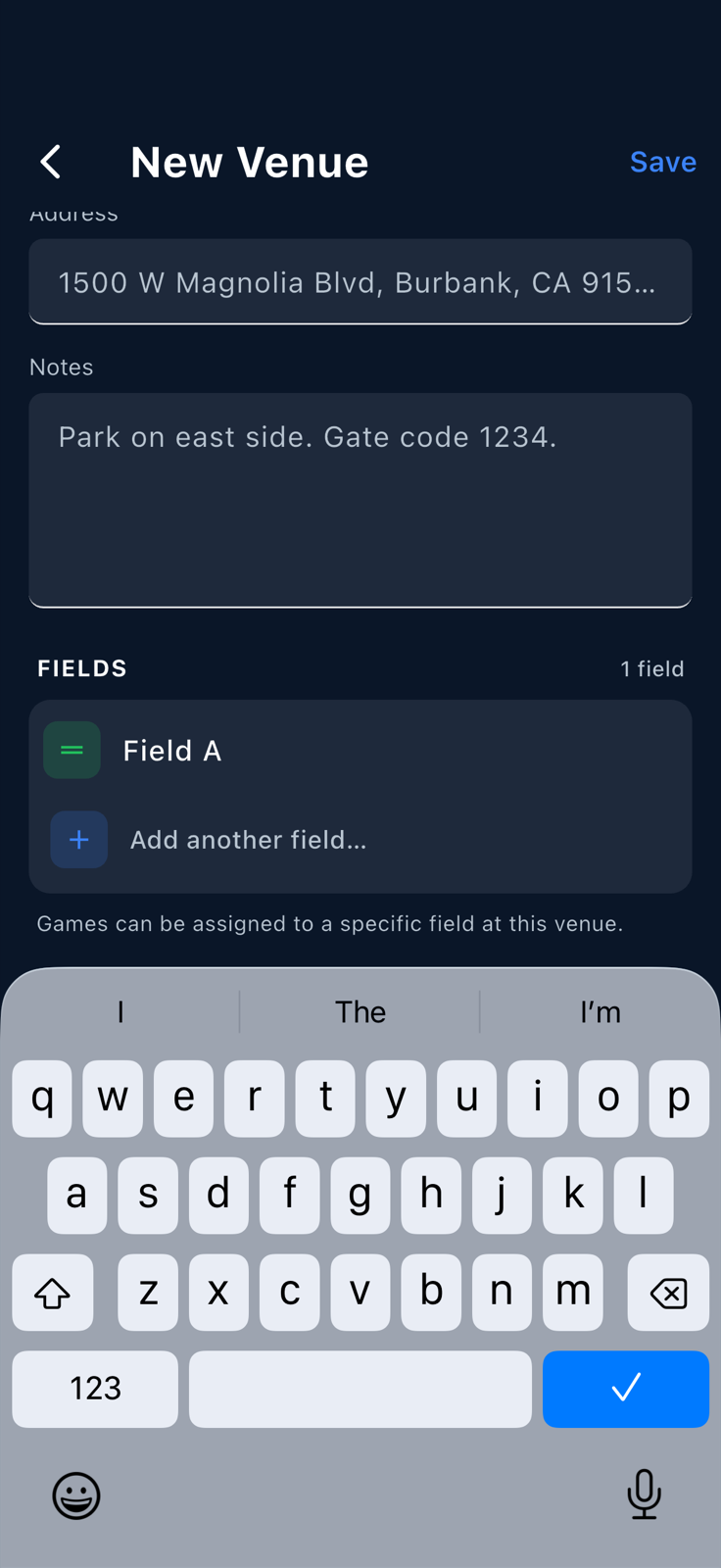
The Create Venue form. Name is required; at least one field is required. -
Save. The list shows your new venue. It's immediately available everywhere a field gets picked — see Bulk-assign a field.
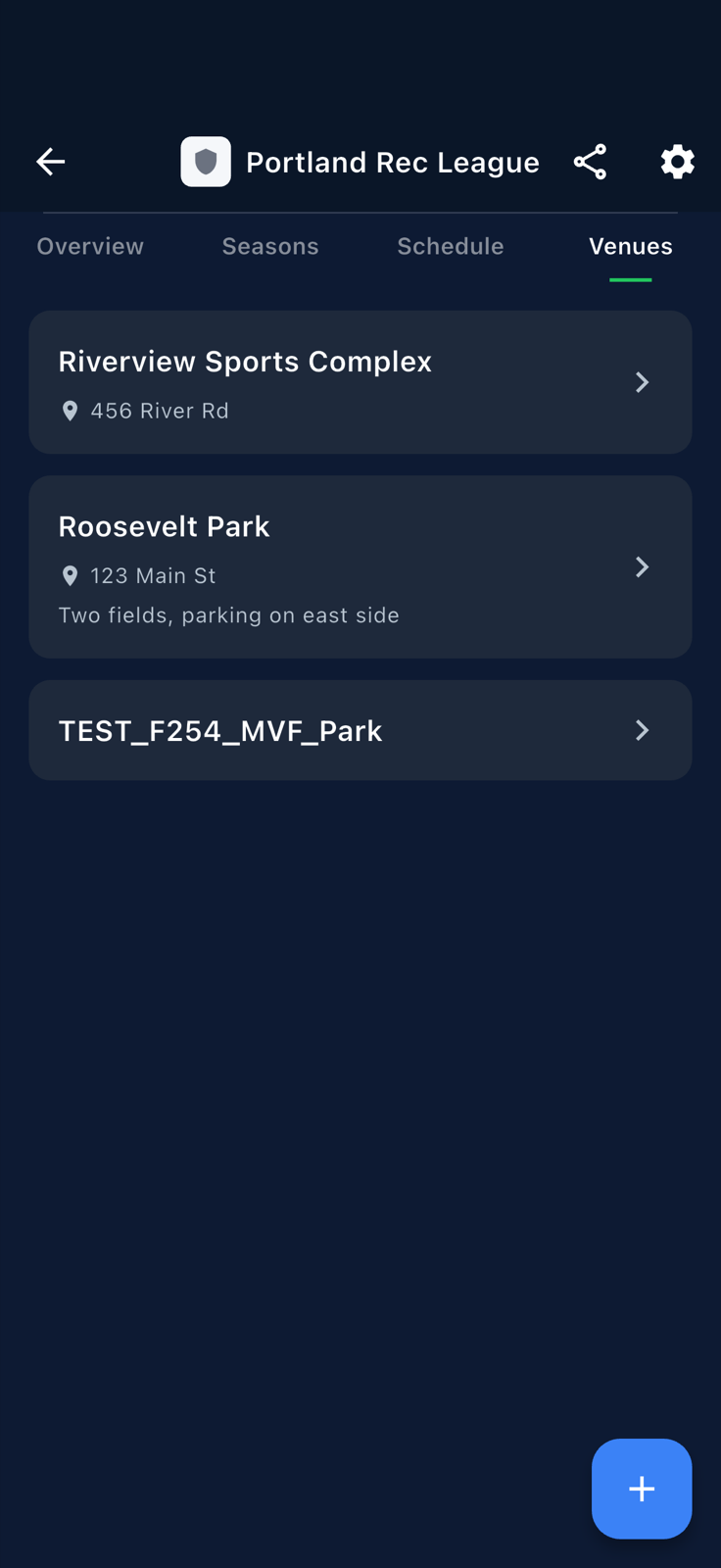
The new venue lands in the list. -
To add another field to an existing venue, tap the venue to open its edit sheet. Tap the add-field button and type the new field's name.
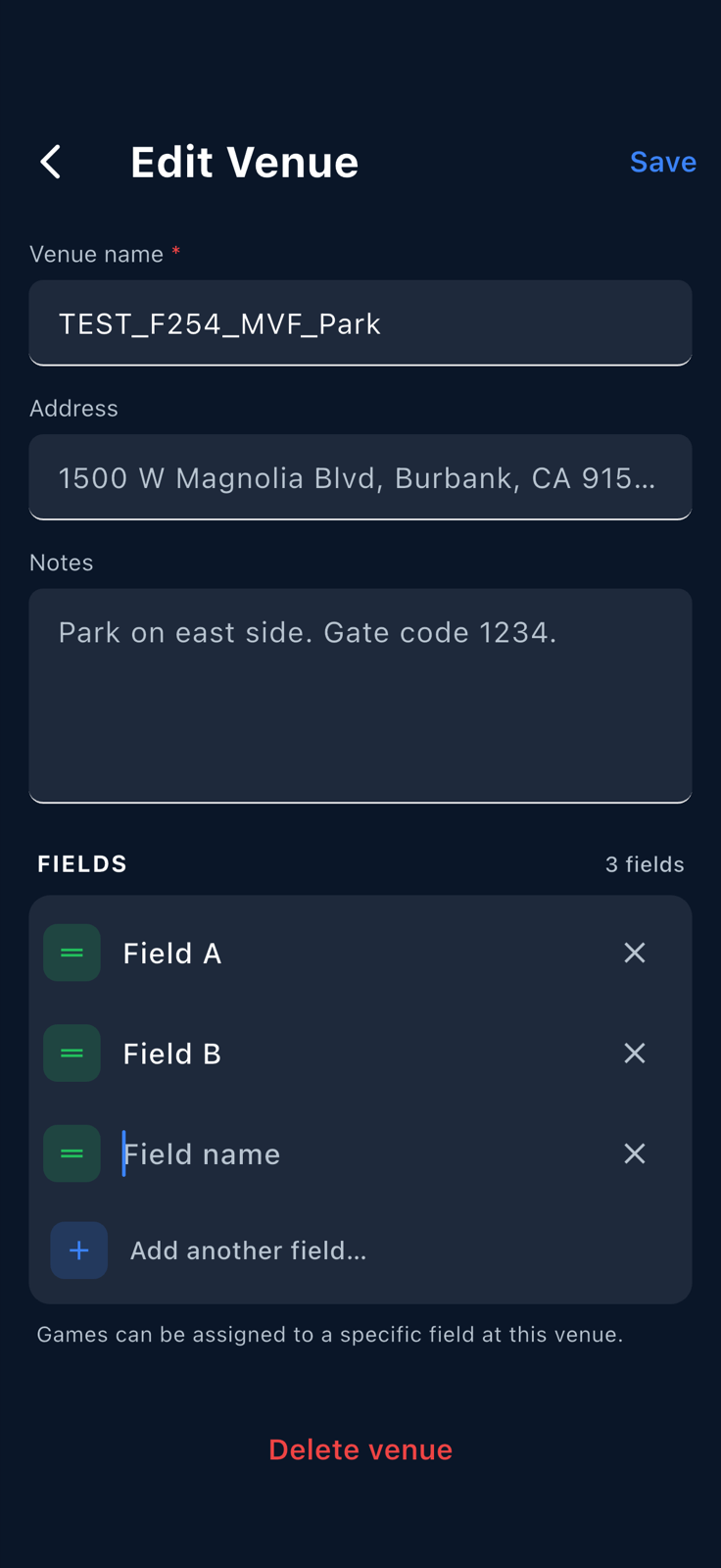
Adding a second field to the same venue inside the edit sheet. -
Save. The venue now has both fields. Both appear in any field-picker UI elsewhere in the app (game detail, bulk-assign, schedule generator).
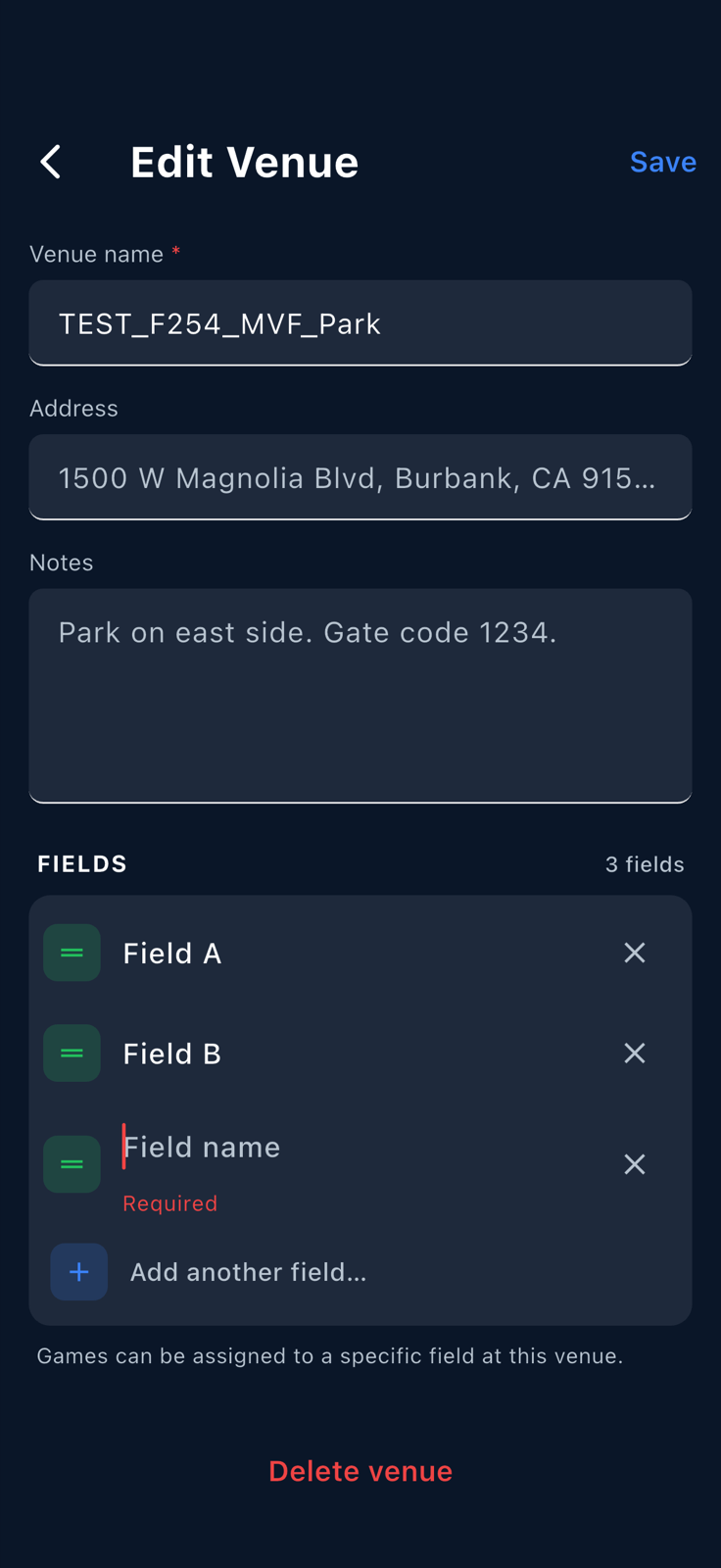
The venue now carries two fields, both pickable everywhere fields are referenced.